
Mobile – Field members.
A lightweight WebApp on field teams' phones. No app to download and a unique code per account.
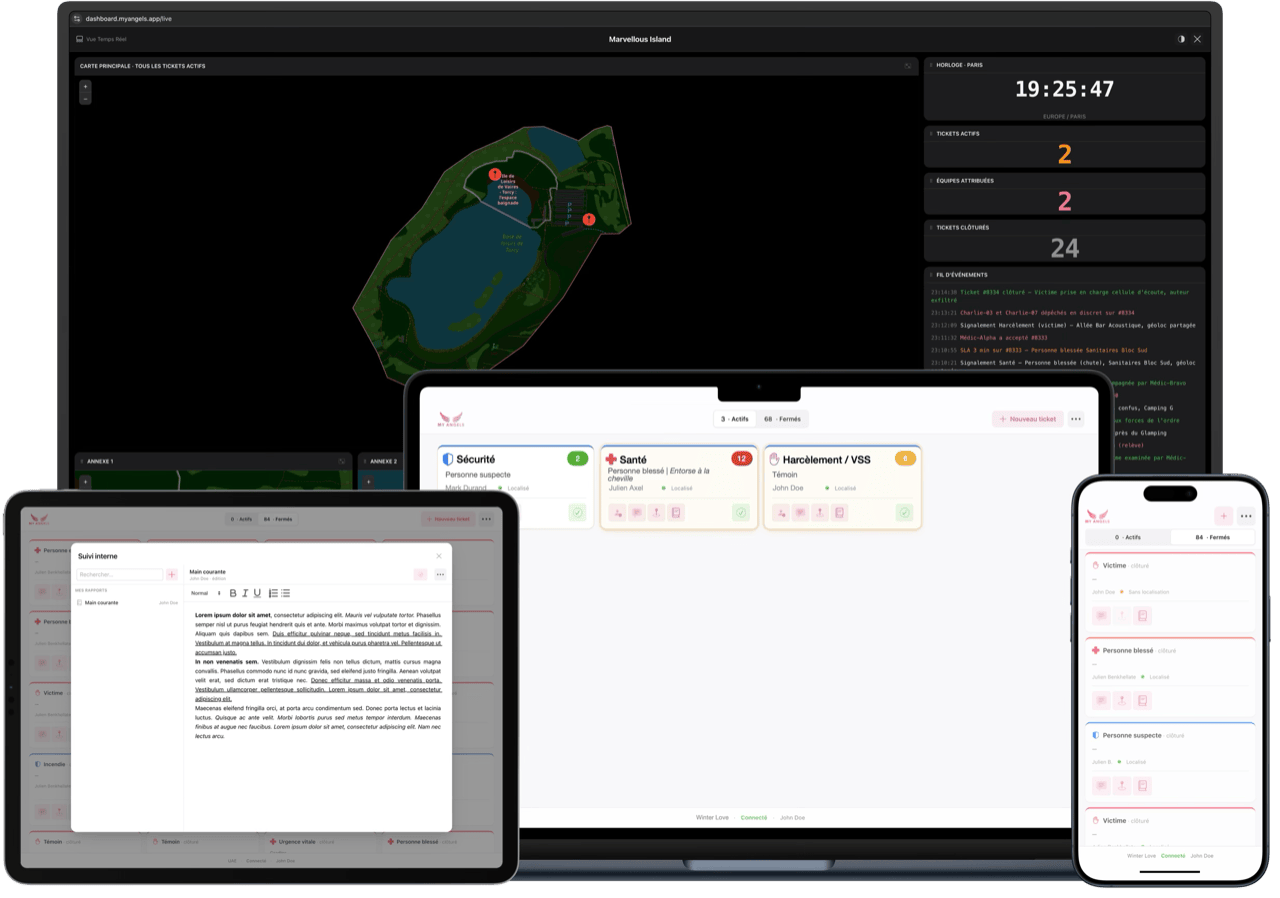
A dashboard built for efficiency. Open tickets, available teams, ongoing conversations and decisions — all in one place, in real time.
Works on computer, tablet and smartphone
Every field debrief says the same thing: it's not just the tool that changes — it's the tempo and the organization of the command center that move to another level.
No server to install, no heavy client to deploy, no updates to push. Everything lives on the web, accessible everywhere, instantly.
A lightweight WebApp on field teams' phones. No app to download and a unique code per account.
A dashboard compatible with every screen size. Laptop, tablet or smartphone — your choice.
The Live View can be shown full-screen on a TV. Map and metrics visible to everyone, instantly.
When an operation spans several hectares or many floors, the human eye is no longer enough. Live View becomes your elevated watchtower.
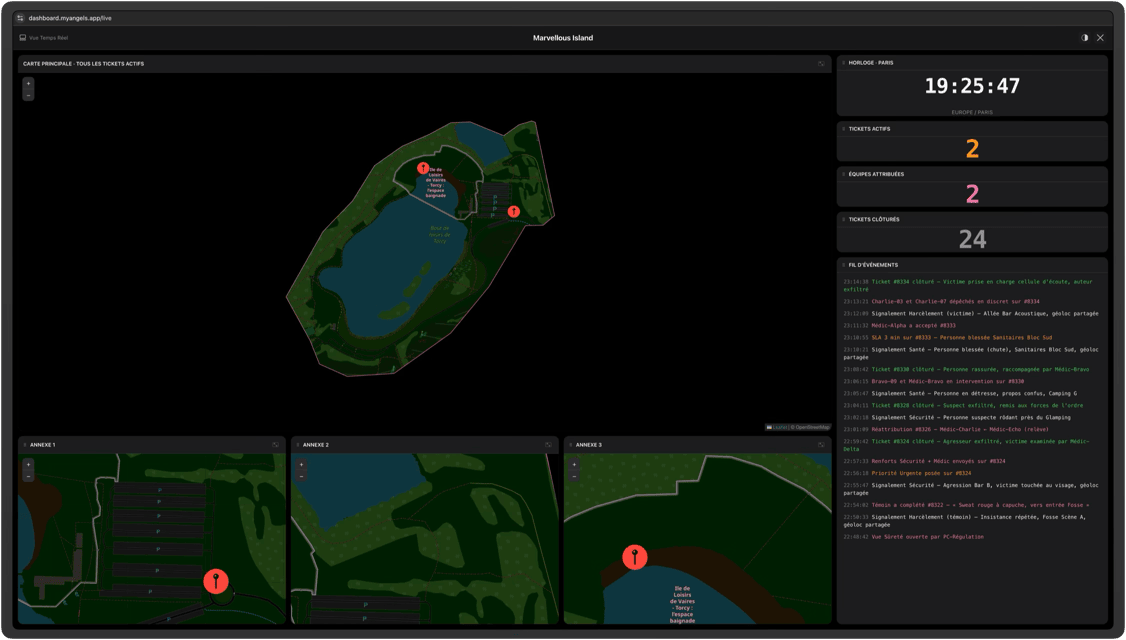
Every geolocated ticket appears instantly. A single click reveals the details, fast.
Three customizable zones — stages, campsites, parking lots — highlighted on screen depending on the moment and how things unfold.
Open tickets, deployed teams, resolved interventions. On-screen content appears in the order you want, freely rearrangeable.
Teams are sorted into four categories: available first, then engaged, then the rest. In a single click the ticket is assigned and the field teams are notified.
Each ticket has its own thread. Supervisor, team member, requester — all in one place. No more crossed radio chatter, no more "can you say that again?"
Once a ticket is resolved, the map updates, the figures recalculate and the data is archived. The incident log stays accessible afterward, always.
A modern, real-time multi-user editor. Documents shared via the secure internal cloud. All of it downloadable at any time.
Every piece of data collected during operations is preserved and put to use: tickets, interventions, deployed teams, hot zones.
Your complete report available the very next day. No more "I'll get it to you Monday." The figures are available immediately, ready to fold into your overall report.
What safety directors and IT departments require — by default.
Personal data encrypted at rest and in transit. Sovereign hosting in France (in Gravelines, Hauts-de-France). Retention period configurable per client.
Every action is logged — who assigned, who closed, who edited the incident log. Time-stamped and immutable.
Supervisor, field team member, dispatcher. Each role sees what it should see and does what it is allowed to do.
Login by individual credentials. Automatic sign-out at end of shift. Full control mid-operation. No shared accounts.
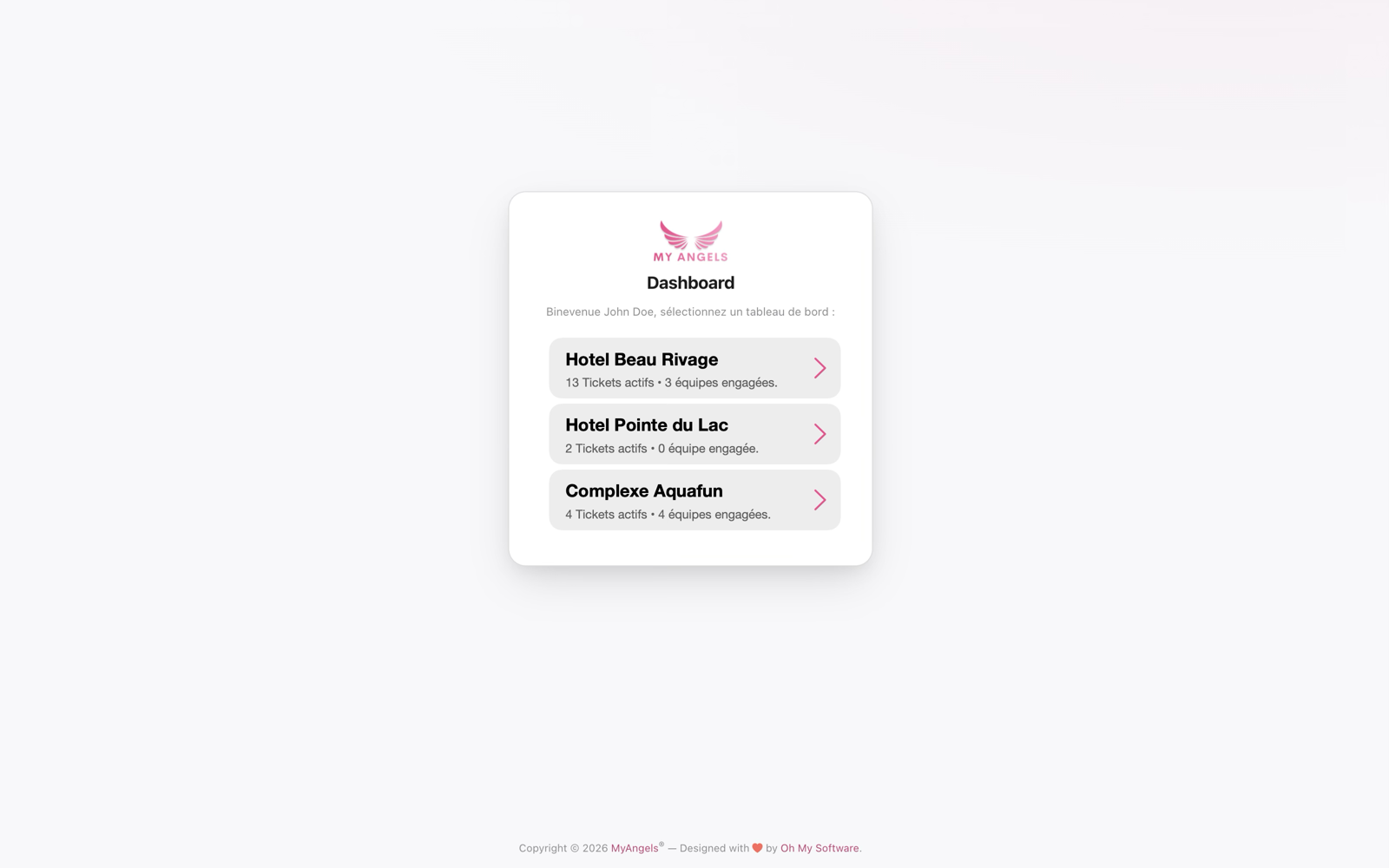
A single point of entry to run, in parallel, a summer festival, a September corporate event and a hotel chain. Each operation has its own scope, teams and data — and the big picture stays intact.
Ideal for event groups, hotel chains, sports leagues and recurring organizers that operate across multiple sites.
Without fail. My Angels runs on a robust, resilient infrastructure built for activity spikes and critical moments: redundancy, automatic failover, continuous monitoring. The service stays available when everything speeds up — and dedicated technical support is with you throughout the event.
No worries. If the connection drops, the dashboard automatically switches to read-only on the local cache: you keep access to your latest tickets. In the field, teams keep using the WebApp without interruption, and everything resyncs as soon as the network is back. Continuity is guaranteed, even in the worst conditions.
Yes, in one click. As soon as you close out, you get a complete report in PDF (tickets handled, interventions, KPIs, timeline, high-activity hot zones) and a CSV export for your own analysis. Deliverables ready to present that showcase your teams' work — and the figures remain your property.
Simply. A 30-minute live webinar ahead of the event is enough to get the hang of the tool — backed by written documentation and video tutorials available at any time. An on-site trainer is available depending on the plan, and dedicated technical support stays by your side throughout the operation.
As many as your event requires. The architecture handles several hundred simultaneous users — dashboard, field teams and observers combined — with real-time synchronization over WebSocket. Whether you run a small festival or a mass gathering, the dashboard keeps pace.
Yes. A single My Angels account can manage several events or properties in parallel, with a selector in the interface. Permissions are set per event: a user can be supervisor of one and a simple observer of another.
A 30-minute guided demo on real-world scenarios. No commitment.